Grand Theft Auto VI hides a handful of quick driving controls behind double taps, and the game does a poor job of telling you about them. Several of them are not in the in-game help menu at all.
Rockstar has not published a controls list that covers these inputs, so this story is labeled Reported.
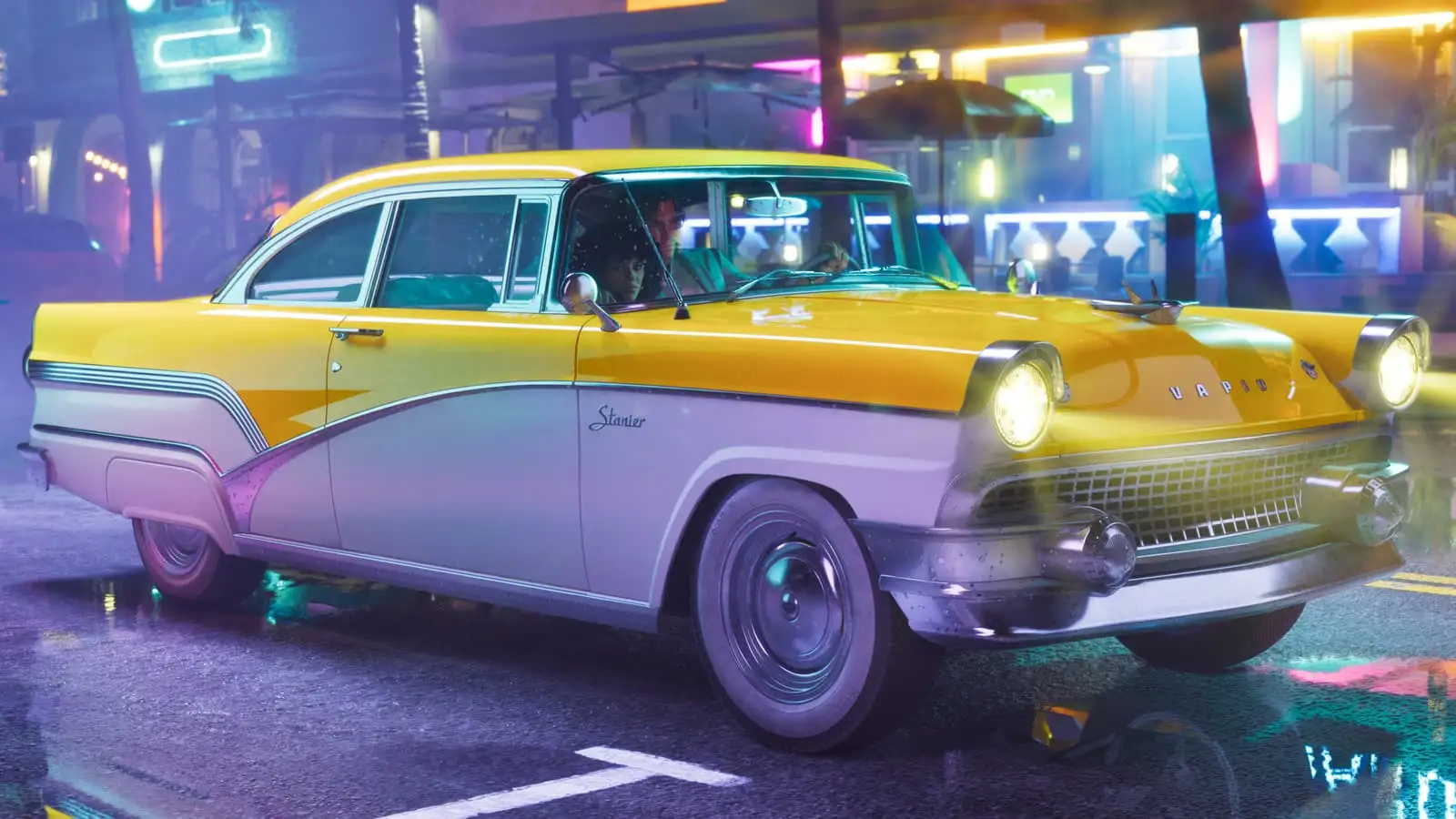
Radio and headlights without the menu
Reported. Double-tapping left on the D-pad while sitting in a car turns the radio off, and doing it again turns it back on. Holding the same direction opens the vehicle submenu, which is the slower route.
Reported. Headlights work the same way. In a car, double-tap Circle on PS5 or B on Xbox and the lights step through off, high beams and low beams. That is handy when you want to sit in the dark outside a house before breaking in, or stop blinding yourself on a lit street.
- D-pad leftDouble-tap in a car: radio off or on (hold for the vehicle menu)
- ○ CircleBDouble-tap in a car: headlights off, high beams, low beams
- △ TriangleYDouble-tap while driving: step out with the engine and radio left on
- R3RS clickClick near other drivers: shout at them
Rockstar has not published these controls.
Getting out with the engine running
Reported. A single press of Triangle (Y on Xbox) gets you out of a vehicle, but a double tap does it without switching anything off: your character climbs out and the engine and radio keep going. It makes a quick stop at a store or a getaway car waiting at the curb feel more natural.
Reported. The same double tap works on boats: your character gets up and walks around the deck while the boat keeps cruising. The help menu does explain a related trick: you can bail out at speed and let the car carry on into whatever is ahead while you roll clear.
For more unexplained moves, including shoving a flipped car back onto its wheels, see how to flip a car and push a boat.
The road rage button
Reported. The last shortcut is one the help menu does name. Clicking in the right stick near other drivers makes your character yell at them; the game’s own help text calls it the road rage button. What the other drivers do in response is not described.
Where this leaves the controls
It is not yet known whether these shortcuts can be remapped, or whether they work the same on motorbikes and other vehicle types. If you would rather not drive at all, auto-drive will take you to a waypoint, and our best settings guide covers the options worth changing first, from movement speed to assist settings. For keeping the cars you take, see stealing cars, and the vehicles page lists what Rockstar has shown so far.
Questions people actually search
How do you turn the radio off in GTA 6?
Double-tap left on the D-pad while in a car to switch the radio off or back on. Holding D-pad left opens the vehicle menu instead.
How do you turn headlights off in GTA 6?
Double-tap Circle on PS5 or B on Xbox in a car. Each double tap moves the lights between off, high beams and low beams.
Can you get out of a car without turning the engine off in GTA 6?
Yes. Double-tap Triangle on PS5 or Y on Xbox and your character steps out while the engine and radio keep running.