The settings most players change first in GTA 6 are walking speed, motion blur and camera bob, followed by how aiming works. Everything else is taste, but the game also has a long list of assists that can make it noticeably easier if you want that.
This guide is built from launch-week settings guides and settings videos read from their transcripts. It is labeled Reported. Where sources give different numbers, we say so rather than pick one.
Where the settings are
Reported. Settings sit in the pause menu. The guides and videos agree on the tabs: Control Scheme, Controller, Gameplay, Display, UI (user interface), Camera and Audio. Most of the useful changes are under Gameplay and Camera.
- Pause menu
- Settings
- Gameplay
- Movement
- Movement Speed
The same option sits under Gameplay.
Five changes to make on day one
0 of 5 done
Your ticks are saved in this browser only.
Reported. Movement speed. The default is Walk, which is slow. The choices are Walk, Fast Walk, Jog and Run, so pushing the stick fully can take you straight to a jog or run without clicking it. Walk does make creeping around a house or store during a robbery easier. A separate Combat Movement Speed option sets how fast you move in a fight, with Fast Walk and Run as the usual picks.
Reported. Motion blur. The slider is in the Display tab. Set it to zero or close to it: the picture looks clearer at the game’s 30 frames per second without it. See our story on why there is no 60fps mode.
Reported. Camera bob and shake. Both are under Camera, in the Comfort section. Camera bob sways the view as you walk and run; suggested values range from 0 to 5. Turning camera shake off is a common pick.
- Pause menu
- Settings
- Camera
- Comfort
- Camera Bob
Camera Shake sits in the same Comfort section.
Aiming and combat
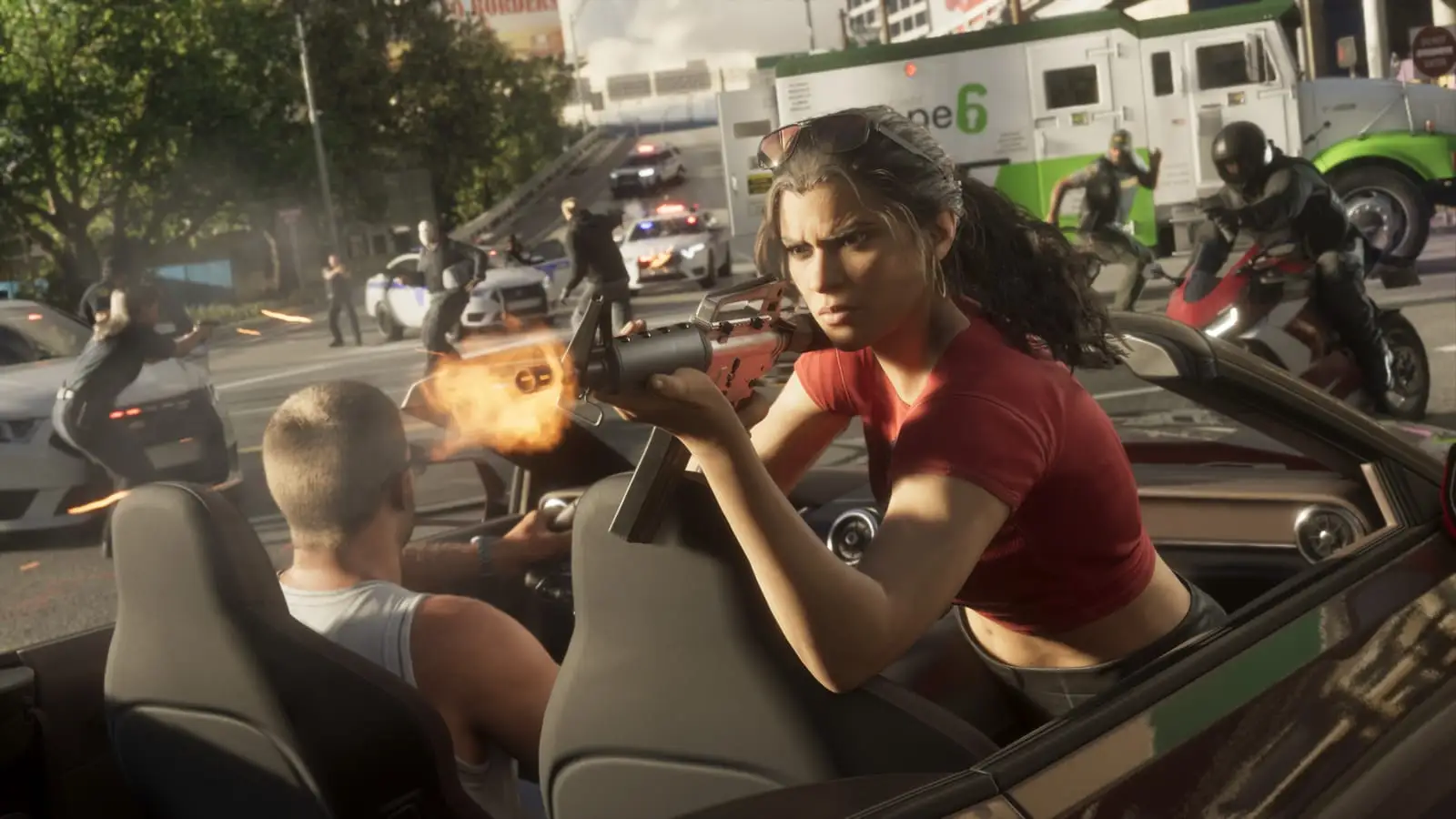
Reported. Targeting has three modes: Free Aim, Partial and Lock-On. Partial pulls your aim toward a target without landing on it, while Lock-On always tries to grab one. Lock-On makes the story easier without being as strong as GTA V’s lock; Partial is the middle ground. Aim Assist Strength and Lock-On Time sit beside it, but their ranges are not settled, so try them yourself.
Reported. Lock-On Target Switch lets you flick between targets while locked on, which feels closer to GTA V and pairs well with Lock-On. Shooting Assist, Drive-By Assist and Quick Draw are toggles worth leaving on, and Holster in Vehicle can put your gun away automatically when you get in a car.
Reported. In the Controller tab you can set look and aim sensitivity, acceleration, and an aim response curve. The curve starts on Standard, with Linear and Precision among the others. Sensitivity numbers are personal; suggested values vary widely.
Dead zones and stick drift
Reported. Lower the stick dead zones. To check: lower it, let go of the stick, and if your character or the aim keeps creeping, raise it a step until it stops. If creeping persists at normal settings, your controller may have stick drift.
Controller extras
- Touch padViewOpens the map by default. You can set it to change the camera view instead.
In the Controller tab.
Reported. On PS5, the DualSense section has haptics strength, adaptive triggers and the light bar, plus an adaptive speed limiter: holding R2 only to the trigger’s resistance point keeps the car at a sensible speed for the road, and pressing all the way down lets you accelerate.
Reported. The Control Scheme tab has Default, Classic and Left-Handed. Classic moves buttons closer to GTA V, but flying still uses the new layout.
Assists and easier play
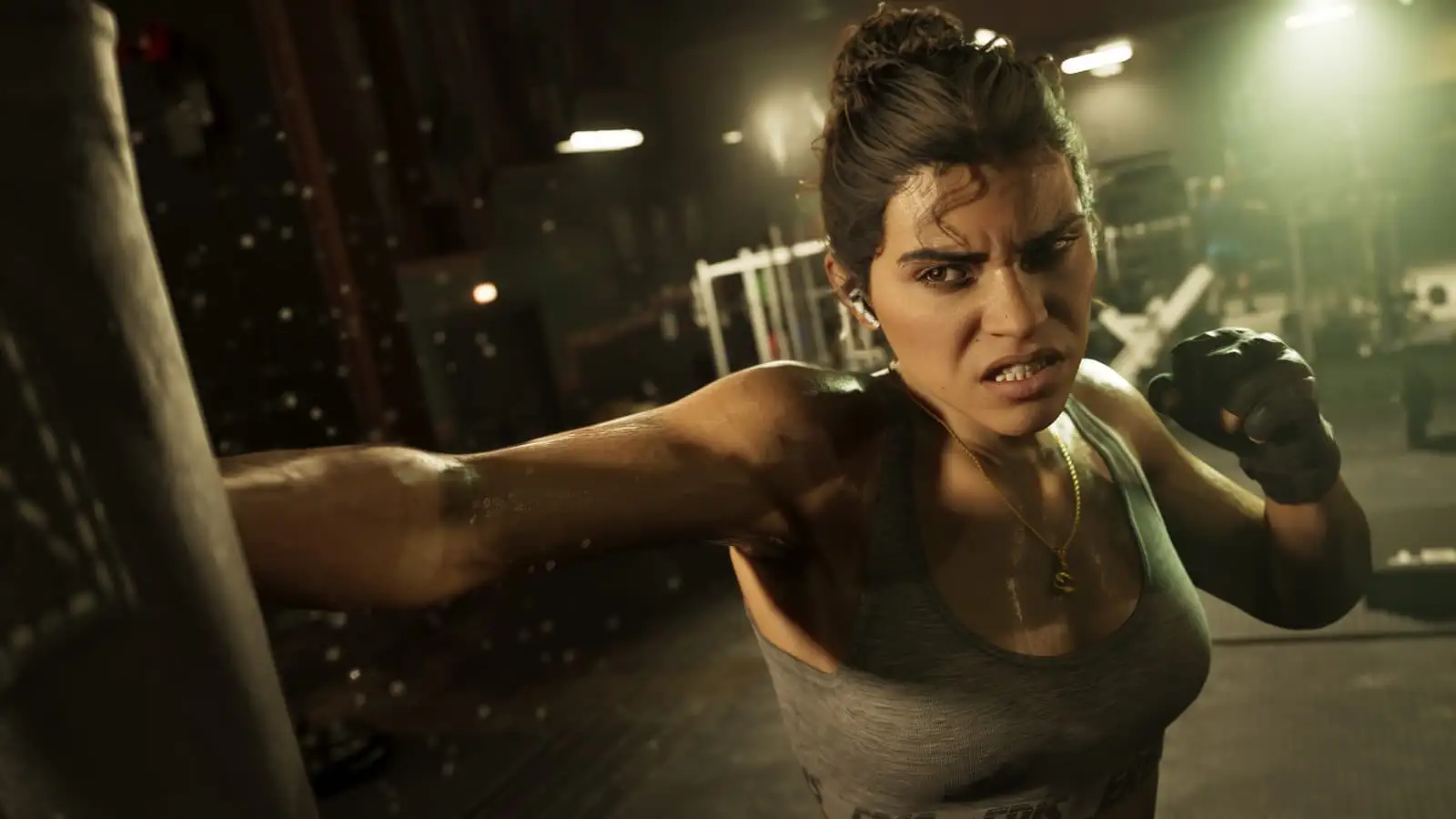
Reported. The Gameplay tab’s accessibility section is where the game gets easier. Simplified Mini Games eases the hotwiring and gym minigames. Tap Assist turns one press into several, or lets you hold instead of mashing, for fights and workouts. Hold Delay makes you hold a button briefly before it acts, which stops you answering a phone call by accident.
Reported. Accessible Combat lowers enemy health and the damage they deal. Reduced Vehicle Damage softens crashes. Auto Equip Helmet puts a helmet on whenever you ride a bike. Auto Drive can be Restricted or Unrestricted; Restricted sometimes refuses to drive where the game thinks it is unsafe.
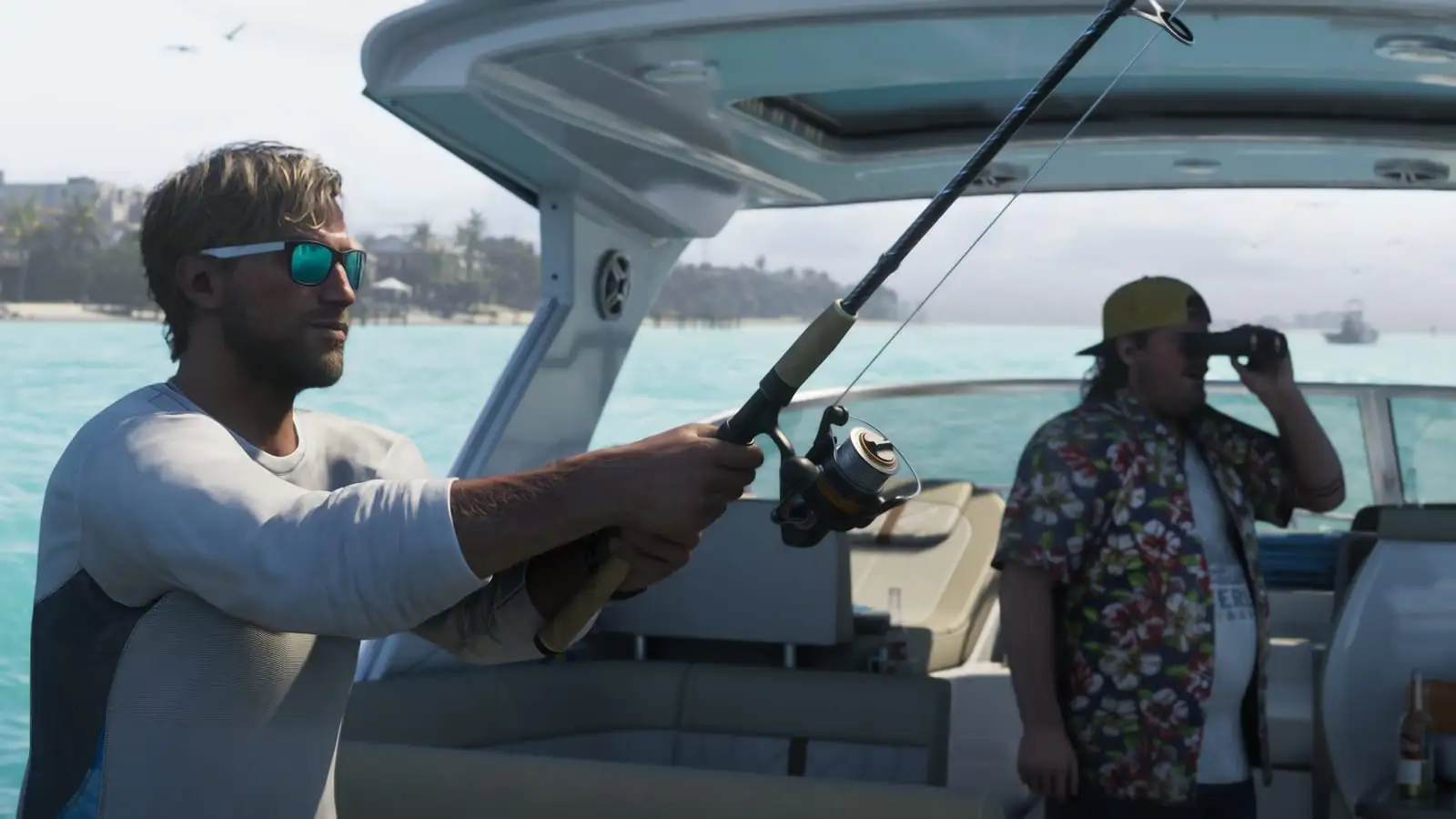
Reported. Focus is mapped to clicking both sticks together by default, and an alternative input is offered. Fishing and Nitrous also have their own input options. Our fishing guide covers the rod controls.
Display, interface and audio
Reported. Calibrate brightness, or HDR if your screen supports it, using the in-game screens, matched to your own display. If HDR looks washed out or flat, our GTA 6 HDR settings guide explains how the three sliders interact. The visual effects sliders cover player status, hit and awareness effects: turn them down for a cleaner picture, or keep them up because they warn of danger. Dismemberment, blood and gore, flashbang brightness, a colorblind mode for the Focus trail and high-contrast shaders are all here too.
Reported. Under UI, turn subtitles on. You can also resize map and minimap icons and in-world markers, and switch individual HUD notifications on or off. In Audio, Mute Licensed Music silences licensed songs for streaming or recording, GPS Voice reads out directions, and on PS5 the controller speaker can be turned off if you want all sound from the TV.
For what you can and cannot change about the camera, see first-person views. For how the game plays once it is set up, see the gameplay wiki, and for the post-story extras, how cheats work.
Questions people actually search
How do I stop walking so slowly in GTA 6?
Open Settings, then Gameplay, then Movement, and change Movement Speed from Walk (the default) to Fast Walk, Jog or Run.
Can you turn off motion blur in GTA 6?
Yes. Motion blur has its own strength slider in the Display settings. Turn it to zero or close to it.
Is there an easy mode in GTA 6?
Not as a difficulty setting, but the Gameplay tab has assist options: Accessible Combat makes fights easier, Reduced Vehicle Damage softens crashes, and Simplified Mini Games eases things like hotwiring and gym reps.
Can I use the old GTA 5 controls?
There is a Classic control scheme next to Default and Left-Handed. One creator found it still leaves some flying controls on the new layout, so try it before you commit.
Sources
- Best GTA 6 console settings for PS5 & Xbox: Graphics, performance & moreDexerto
- Best GTA 6 Controller Settings for PS5 and XboxBeebom
- Change These 15 In-Game Settings Before You Play GTA 6 For The First TimeBGR
- Best Grand Theft Auto 6 console settings for aiming, driving and visibilityGAMES.GG
- GTA 6 - Best Settings Guide 24 Things to Change Now!NIXNE on YouTube
- GTA 6 Settings You Need to Change ImmediatelySubscribeForTacos on YouTube
- NEW GTA 6 Best Settings To Use For PS5 & XBOX! (GTA 6 Best Controller, Gameplay & Graphics Settings)Ears on YouTube