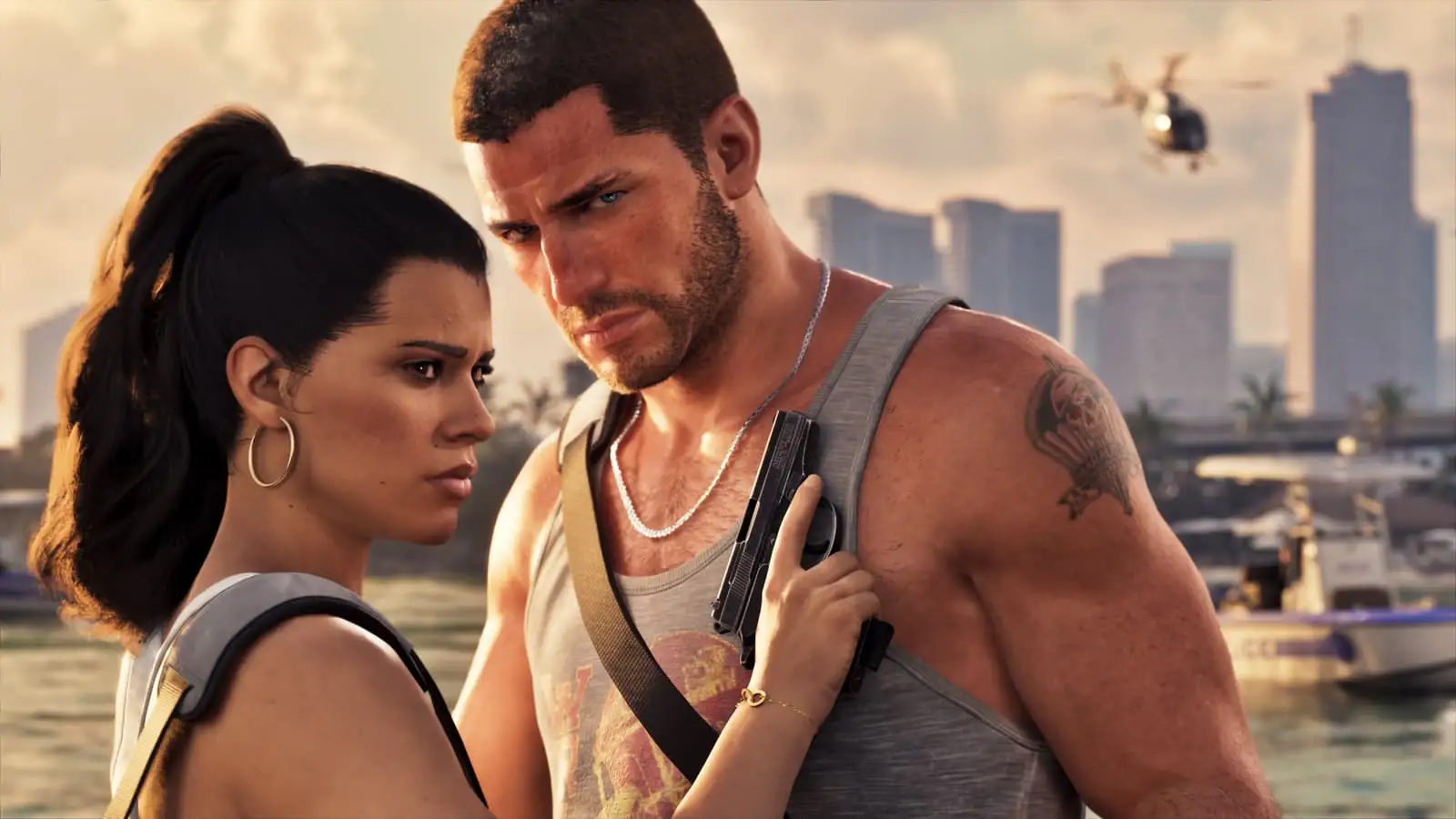
Some Xbox Series X|S players say they were given temporary suspensions after clips of Grand Theft Auto VI were uploaded to the Xbox network automatically. Microsoft has not said anything about it. The fix players are passing around is simple: turn off automatic uploads, and your clips stay on the console.
This story is labeled Reported. The suspensions are players’ own accounts, and neither Microsoft nor Rockstar has confirmed them or explained why any clip was flagged.
What players are reporting
Reported. Players say clips captured while playing GTA 6 were uploaded to the Xbox network on their own, as the console does by default, and that some uploads were followed by a temporary suspension. It is not known how many players are affected.
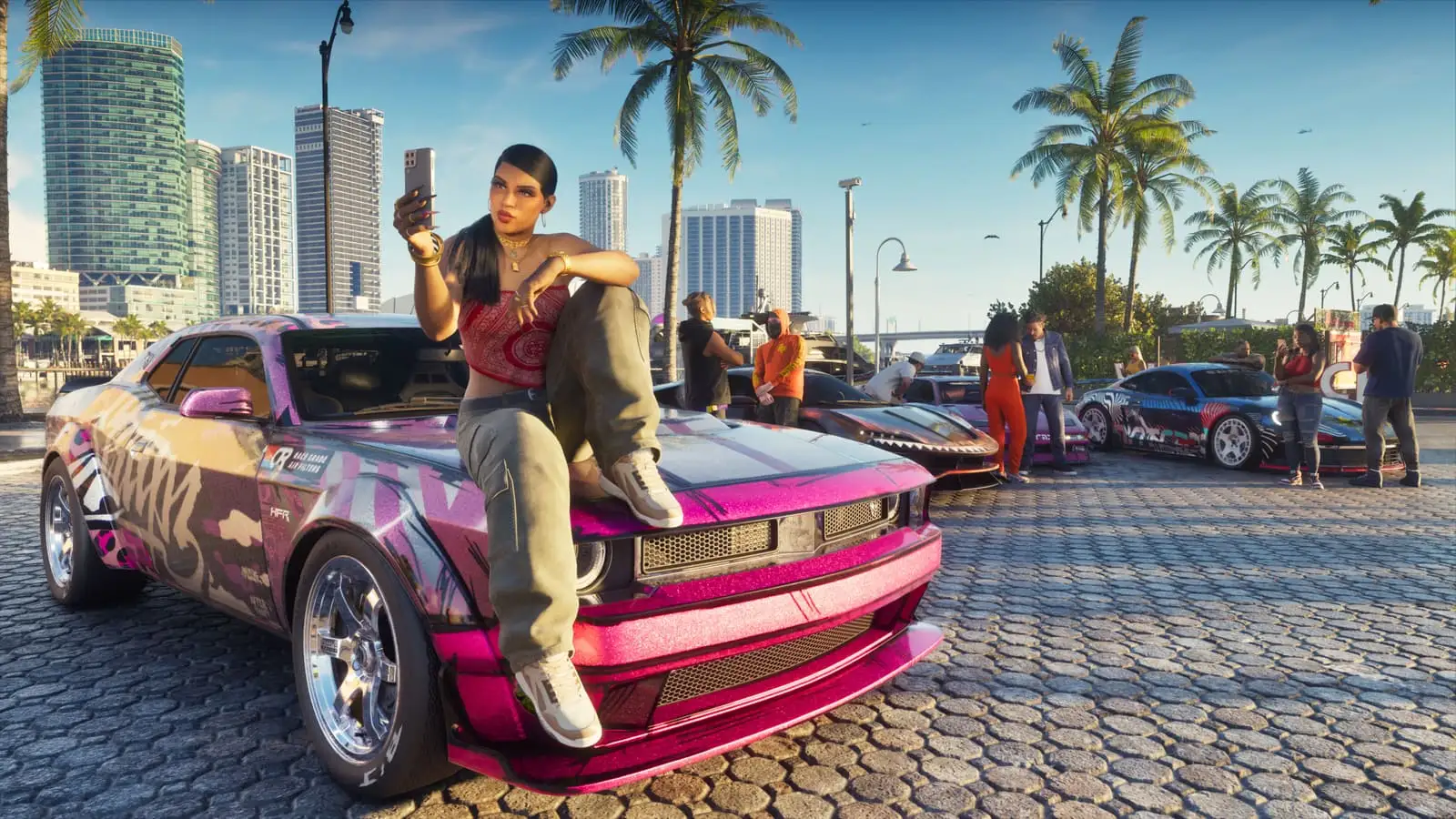
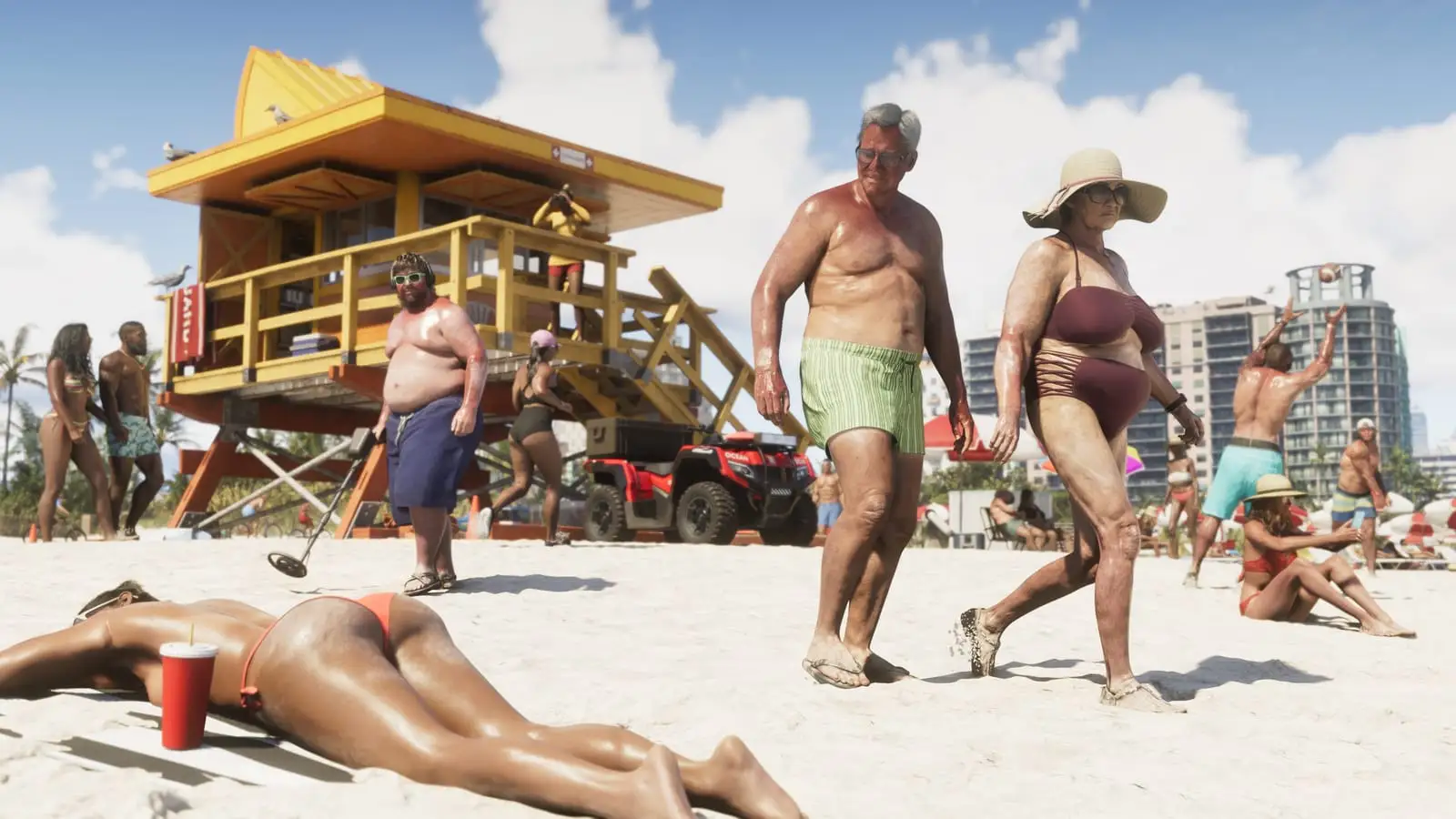
Rumor. One player says a 28-second clip of people in swimsuits on a Vice City beach, with no nudity, led to a two-day suspension that could not be appealed. The notice reportedly cited Microsoft’s family and online safety guidelines without saying what in the clip broke them. Some players suspect automated moderation flagged the footage by mistake. None of this has been confirmed.
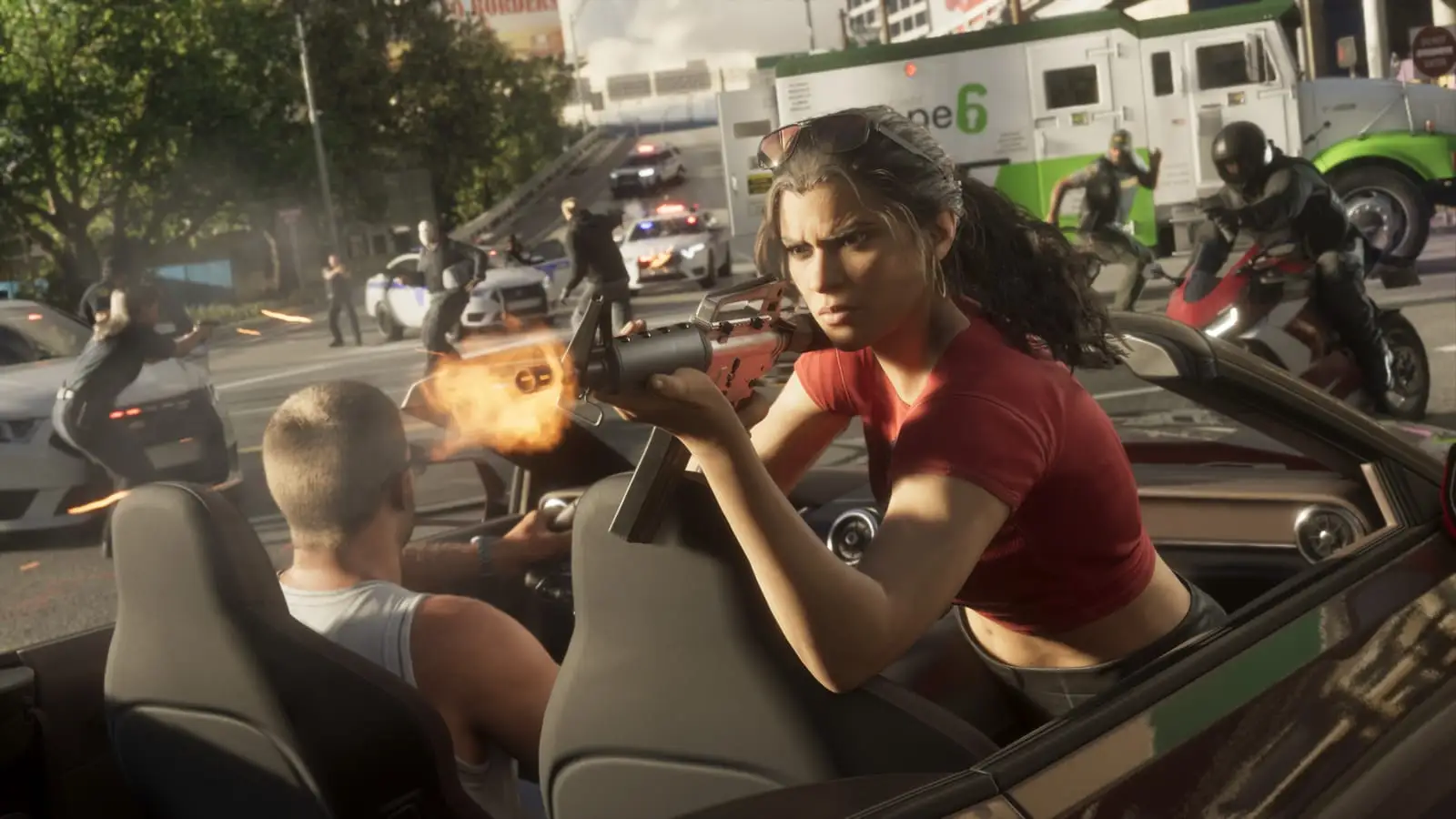
GTA 6 is a mature game with scenes that Xbox’s sharing rules restrict, which is why the auto-upload setting matters more for it than for most games. The reports so far are about Xbox only; there are no matching reports from PS5 players.
How to turn automatic uploads off
Reported. The setting lives in the console’s capture preferences. Change automatic uploads to Don’t upload. Where the menu offers separate choices for the Xbox network and OneDrive, set both.
- Xbox button
- Profile & system
- Settings
- Preferences
- Capture & share
- Automatically upload
- Don't upload
Captures are still recorded and saved on the console.
Reported. The same option can be reached from the Captures tab in the guide, under capture settings. Switching uploads off does not stop the console recording. Clips and screenshots are still saved locally, and you can share any of them by hand.
If you are going through the settings anyway, our best settings guide covers the in-game options worth changing, and the platforms guide explains what differs between the PS5 and Xbox versions.
What is still unknown
Microsoft has not said whether GTA 6 footage is being flagged in error, whether a person reviews flagged clips, or whether these suspensions can be appealed. Rockstar has not commented either. We will update this story if either company does.
Until then, the safest setup on Xbox is to keep uploads off and share only clips you have watched yourself.
Questions people actually search
Can you get suspended on Xbox for GTA 6 clips?
Some players report two-day suspensions after GTA 6 clips were uploaded automatically. Microsoft has not commented, so how often it happens is unknown.
How do I stop my Xbox uploading GTA 6 clips?
Open Settings, then Preferences, then Capture & share, and set automatic uploads to Don't upload.
Will I still be able to record GTA 6 clips?
Yes. Clips and screenshots are still captured and saved on the console. They just stop going online until you upload them yourself.